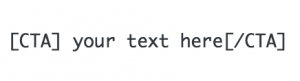
Turn any link into a big button that will stand out!
The easiest way to do this is with WordPress 5.o/the Gutenberg Editor.
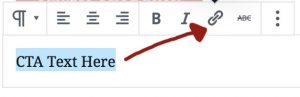
- Add a new paragraph block and type in your link text. Highlight the text, then click the link icon to add in your URL:
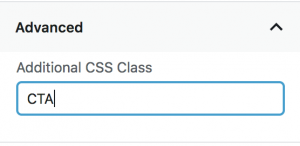
- In the Settings area for the block, go to “Advanced” and type in “CTA”:
You can also add in a CTA simply by using the shortcode (use a shortcode block), but adding a link is more difficult this way.