To Set up Carousel Gallery
- Make sure you have Meta Slider plugin installed and activated.
- Go to Meta Slider and add a new slideshow. Use these settings:
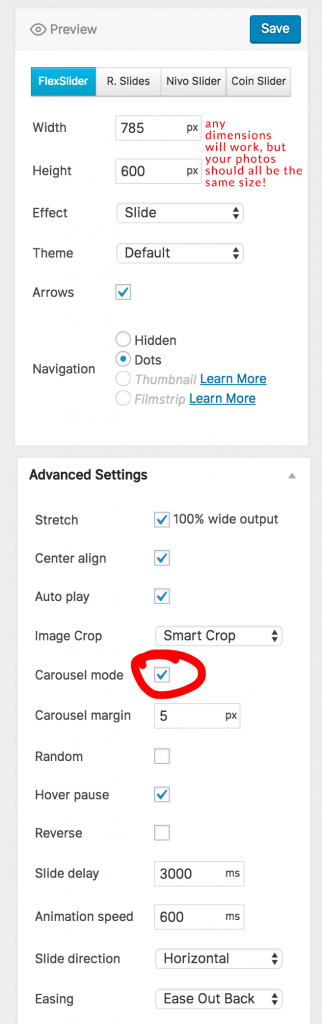
- Save the gallery when you have added all your photos.
Put the Carousel Gallery on a Page
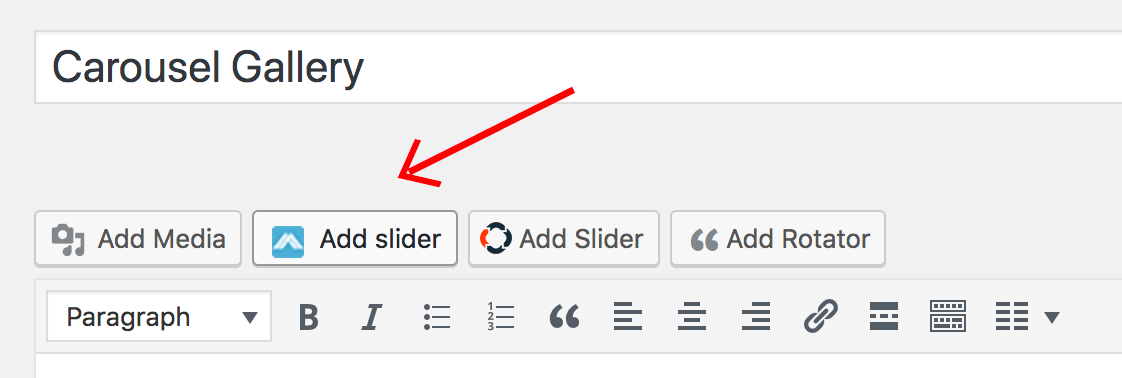
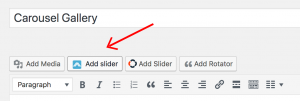
- Go to Pages >> Add New (or edit an existing page where you would like to put the gallery). Click on the add slider button and select the meta slider you just made:
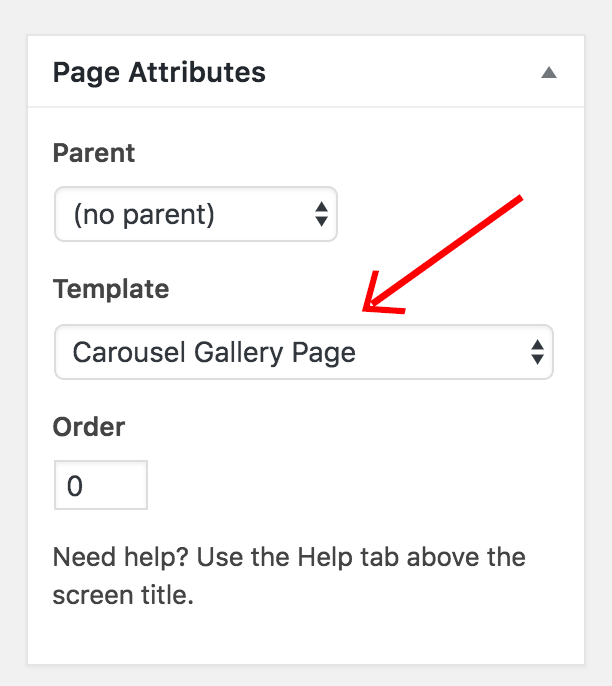
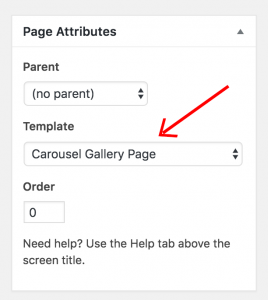
- Go to Page Attributes section and make sure the “Carousel Gallery Page” template is selected (this will make the slider show up full-width across the page):
- If you want to add any text on the page, please wrap it in the following shortcodes:
[carousel-text] YOUR TEXT HERE
[/carousel-text]