
To Set Up Slideshow Gallery
- Make sure Soliloquy slider is installed & activated.
- Create a Soliloquy slider by going to Soliloquy >> Add New. Set the slider dimensions in the Config tab. The dimensions can be whatever you want (keep in mind, all your photos will be cropped to that size).
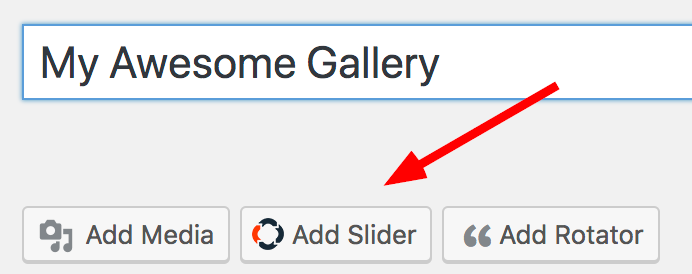
- Now, create a page and click on the “add slider” button. Add the slider you just created to the page and save.
If you don’t know how to create a Soliloquy slider, learn how with this tutorial!