support.dinosaurstew
help & support
Change Layout Option (Sidebar-Content, Full-Width, or Content-Sidebar)
Most of our Dinosaur Stew themes have multiple layout options available. For example, you may want to use the full-width option where no sidebar is present, or have the sidebar on the left side instead of the right. You can change both the default layout option, which will be used by default on any post or page, OR individually choose a layout option for each page. If you do the latter, it will overwrite the default layout option for that page or post.
Changing the Default Layout Option
In your WordPress admin area, go to Genesis >> Theme Settings.
From the new window that pops up, click on “Site Layout”.
Select the site layout of your choice from the dropdown menu that appears.
Changing the Layout Option on Individual Posts & Pages
(This assumes you’re using the Gutenberg editor that was released with WordPress 5+).
In your WordPress admin area, edit the post or page you want to change.
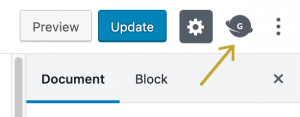
In the top right corner, click the Genesis icon:
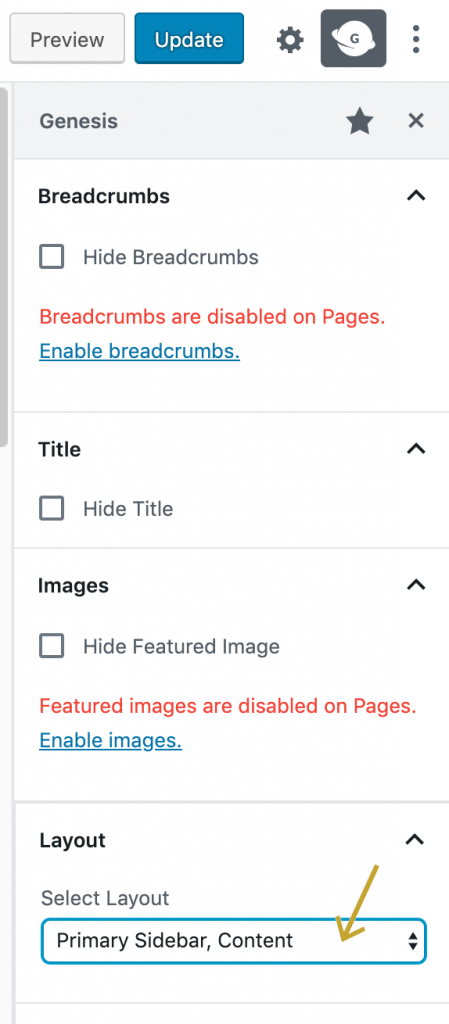
From the “Layout” section, choose the layout you’d like to use from the dropdown menu: